

5 n8n AI Agent Workflows That Run My Business
In short
5 production-tested n8n workflows with AI agents: email triage, content pipeline, CRM automation, server monitoring, and social media management. With JSON exports and setup instructions.
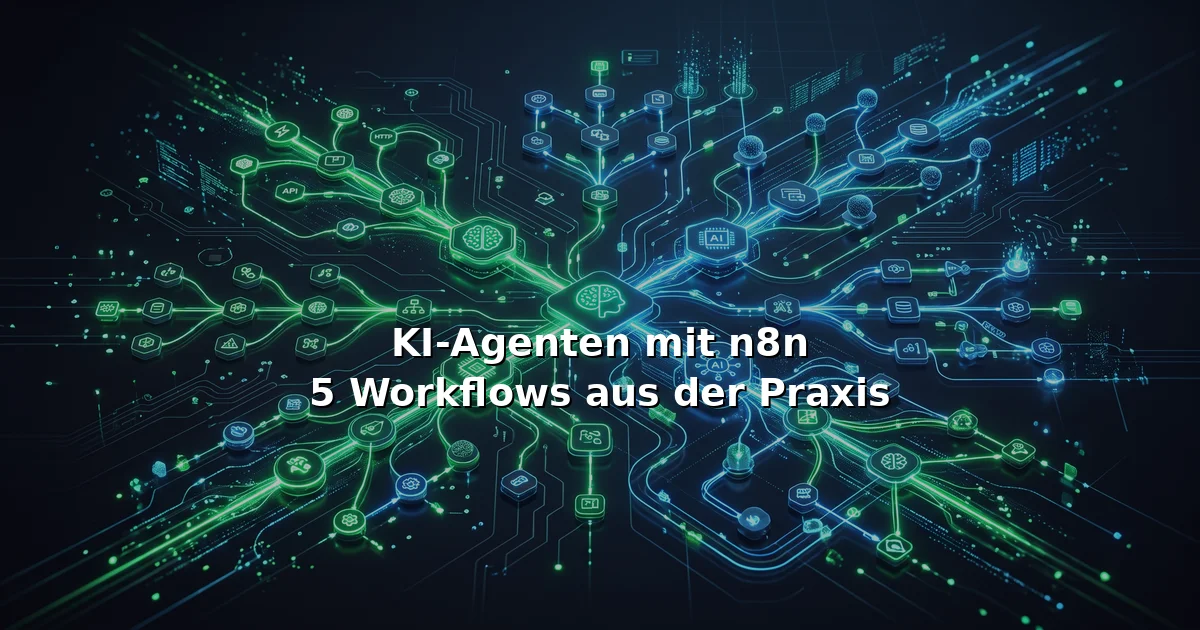
I run an AI automation agency. These five n8n workflows handle 80% of my daily operations — from email triage to multi-language content pipelines. Here’s how they work and how you can set them up.
Table of Contents
- Workflow 1: The Email Triage Agent
- Workflow 2: Multi-Language Blog Pipeline
- Workflow 3: CRM Auto-Enrichment
- Workflow 4: Server Health Monitor
- Workflow 5: Social Media Cross-Poster
- How to Get Started
Workflow 1: The Email Triage Agent
Problem: 50-80 business emails/day. 60% are newsletters, 20% are invoices, 15% are client messages, 5% are urgent.
Solution: An n8n workflow that reads Zoho Mail via IMAP, classifies every email using an AI agent (Qwen 3.8), and routes accordingly.
How it works:
[IMAP Trigger: New Email]
    → [AI Agent: Classify]
    ├── Spam → [Delete]
    ├── Newsletter → [Archive]
    ├── Invoice → [Extract PDF → Upload to WorkDrive → Delete]
    ├── Client → [Create CRM Contact → Notify Telegram]
    └── Urgent → [Forward to Steffen's Phone]
Key nodes:
- IMAP Trigger: Polls every 30 seconds
- AI Agent (Qwen 3.8): Classifies with this prompt:
Classify this email: subject + first 200 chars of body. Return ONLY one of: SPAM, NEWSLETTER, INVOICE, CLIENT, URGENT. - HTTP Request (Zoho WorkDrive): Uploads invoice attachments
- Telegram: Sends alert for CLIENT/URGENT with subject + 2-line summary
Result: 45 minutes/day saved. I now check email twice instead of constantly.
Setup time: 2 hours
Running cost: ~€3/month (AI API calls)
Complexity: ⭐⭐⭐
Workflow 2: Multi-Language Blog Pipeline
Problem: I need weekly blog posts in German, English, and Spanish. Writing manually takes 4-6 hours per post.
Solution: An n8n workflow triggered by a Webhook that generates, translates, and deploys blog posts in all three languages.
How it works:
[Webhook Trigger: "Generate post about {topic}"]
    → [AI Agent: Write German post (2000 words)]
    → [AI Agent: Translate to English]
    → [AI Agent: Translate to Spanish]
    → [HTTP Request: Generate images (kie.ai)]
    → [Git: Commit all 3 MDX files to repo]
    → [Telegram: "Post live at {URLs}"]
Key nodes:
- AI Agent Chain: Three sequential calls, each with language-specific system prompts
- HTTP Request (kie.ai): Generates dark-mode neon featured images
- Execute Command: Runs
git add && git commit && git push - Telegram: Sends all three URLs
Result: One webhook call → 3 blog posts live in 12 minutes.
Setup time: 4 hours
Running cost: ~€8/month (AI + image generation)
Complexity: ⭐⭐⭐⭐
Workflow 3: CRM Auto-Enrichment
Problem: New contacts enter Zoho CRM with just name and email. Manually adding company, role, LinkedIn takes 5 minutes each.
Solution: A webhook-triggered enrichment workflow.
How it works:
[Zoho CRM Webhook: New Contact]
    → [HTTP Request: Hunter.io (email → company)]
    → [HTTP Request: LinkedIn Sales Navigator (company → industry, size)]
    → [AI Agent: Generate contact summary]
    → [Zoho CRM: Update contact fields]
    → [Zoho CRM: Create follow-up task if CEO/CTO/VP]
AI Agent prompt:
Given this contact: {name}, {email}, {company}, {role}
Write a 2-sentence summary for CRM.
Generate 3 potential conversation openers based on company news.
Result: Every new contact gets enriched within 30 seconds. Zero manual data entry.
Setup time: 3 hours
Running cost: ~€12/month (Hunter.io API + AI)
Complexity: ⭐⭐⭐
Workflow 4: Server Health Monitor
Problem: I run several servers. Need to know immediately if one goes down — not when a client notices.
Solution: A Cron-triggered watchdog that checks all servers every 5 minutes.
How it works:
[Cron Trigger: Every 5 minutes]
    → [Loop: For each server]
    ├── [HTTP Request: GET /health]
    ├── [SSH: Check disk, memory, CPU]
    └── [IF: Any check fails]
        ├── [AI Agent: Diagnose from logs]
        ├── [Telegram: Alert Steffen with diagnosis]
        └── [IF: Critical: Auto-restart service via SSH]
    → [IF: All OK → Log to database (rolling 7 days)]
What it catches:
- HTTP 5xx errors → restarts web server
- Disk >90% → cleans logs, alerts to upgrade
- Memory leak → restarts service, logs pattern
- SSL cert <7 days → emails to renew
Result: Zero unplanned downtime since deploying this. One 3 AM incident auto-resolved before I woke up.
Setup time: 5 hours
Running cost: ~€1/month (minimal API calls)
Complexity: ⭐⭐⭐⭐
Workflow 5: Social Media Cross-Poster
Problem: A blog post is live. Now it needs to go on LinkedIn, Telegram, and optionally TikTok. Doing this manually takes 20 minutes per post.
Solution: One webhook triggers a cross-posting pipeline.
How it works:
[Webhook: "Post {slug} to social"]
    → [HTTP Request: Fetch blog post content]
    → [AI Agent: Generate LinkedIn post (1200 chars, professional)]
    → [AI Agent: Generate Telegram summary (300 chars)]
    → [AI Agent: Generate TikTok script (if video content)]
    → [HTTP Request: upload-post.com (LinkedIn)]
    → [HTTP Request: Telegram Bot API]
    → [IF: TikTok → HTTP Request: upload-post.com (TikTok)]
    → [Telegram: "Posted to {platforms}: {URLs}"]
AI prompt for LinkedIn:
Write a LinkedIn post about this blog article.
- Max 1200 characters
- Hook in first 2 lines
- No emojis
- No em-dashes
- Link in first comment
- Call to action: "What's your experience with {topic}?"
Article: {extract}
Result: One click → every platform updated. Consistent brand voice across all channels.
Setup time: 3 hours
Running cost: ~€5/month (upload-post.com API + AI)
Complexity: ⭐⭐⭐
How to Get Started
You need:
- n8n instance — Self-hosted (free) or n8n Cloud (€20/month)
- API access to an LLM — OpenRouter ($5 credit to start)
- Your existing tools’ API keys — CRM, email, Telegram
My recommended starter stack:
- Hosting: Hetzner VPS (4 vCPU, 8 GB RAM, €12/month) + Docker
- LLM: OpenRouter → Qwen 3.8 Flash for German tasks, DeepSeek V4 for code
- Monitoring: Health Monitor workflow (Workflow 4) as your first automation
Pro tip: Start with one workflow. Get it stable for 2 weeks. Then add the next. Don’t build all five at once — automation debt is real.
→ n8n Agency services — we build this for you
→ Hermes AI Agent setup — for workflows that learn
Steffen Hartmann runs automated business operations with n8n, Hermes Agent, and a multi-model AI infrastructure. He builds AI agents that work — not demo, production.
Dieser Beitrag ist auch verfügbar in:
Related articles
AI Agents for SMEs: How to Get Started With n8n in 2026
AI agents aren't hype anymore — they're a competitive necessity for small and mid-sized businesses. Here's how to build your own agents with n8n, from your first workflow to production deployment.
Build AI Agents with n8n: Getting Started with the New AI Assistant in 2026
n8n just launched an AI Assistant that builds workflows from plain language. Here is what that means for SMBs and how you can build your own AI agents starting today.
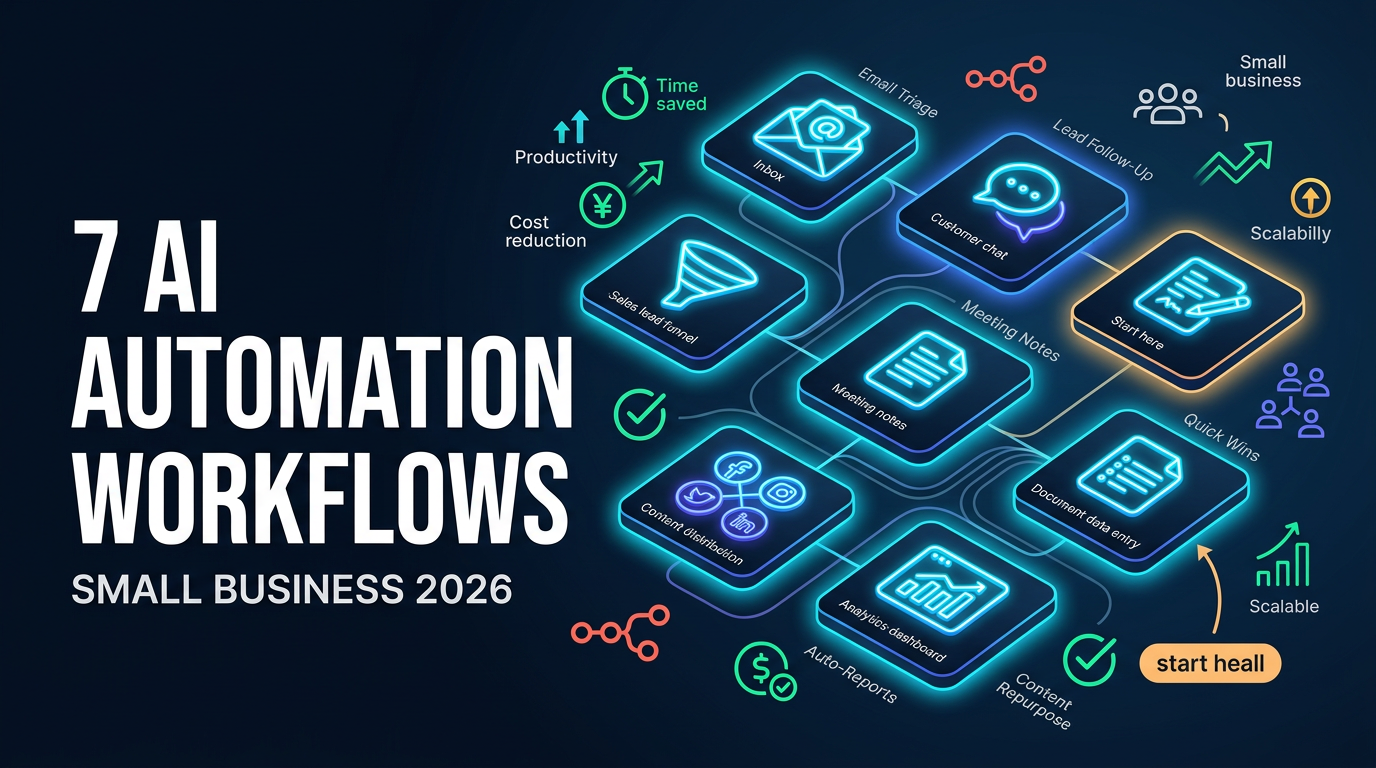
7 AI Automation Workflows Every Small Business Should Consider in 2026
Seven practical AI automation workflows every small business should consider in 2026, from inbox triage to lead follow-up, and how tools like n8n tie them together.