

7 AI Automation Workflows Every Small Business Should Consider in 2026
In short
Seven practical AI automation workflows every small business should consider in 2026, from inbox triage to lead follow-up, and how tools like n8n tie them together.
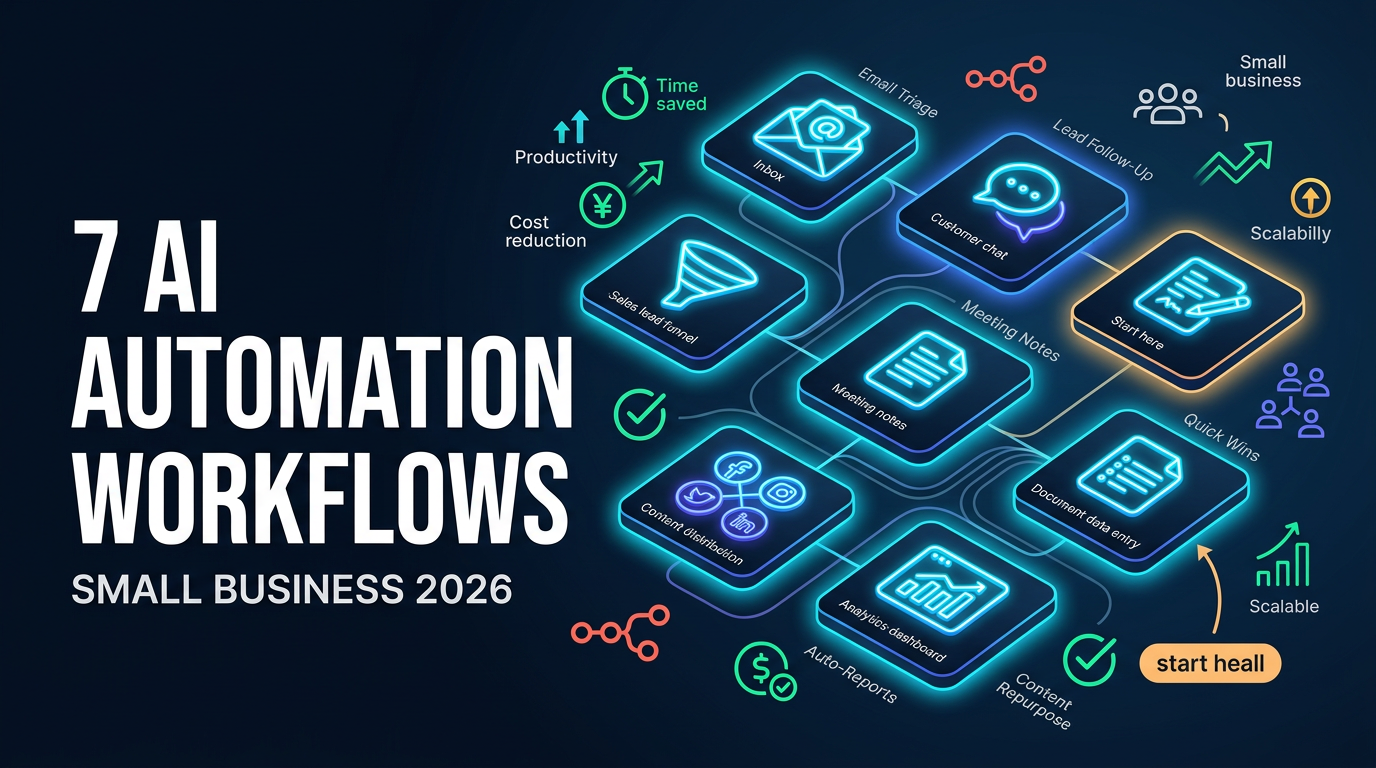
Most small businesses do not need a grand AI transformation. They need a handful of repetitive, time-draining tasks handled automatically so the team can focus on real work. This article lays out seven practical AI automation workflows that deliver value quickly, without a big budget or a dedicated tech team.
These build on the ideas in our guide to AI agents for business. Where that piece explains the concepts, this one is about concrete, do-this-now workflows.
Table of Contents
- Inbox triage and routing
- Customer inquiry first response
- Lead capture and follow-up
- Meeting notes and action items
- Content repurposing
- Reporting and alerts
- Document and data entry
- How to connect it all
- Conclusion
1. Inbox triage and routing
A shared inbox is a classic time sink. An AI workflow can read incoming messages, classify them by type and urgency, and route them to the right person or system, flagging the ones that need immediate attention. Instead of someone manually sorting dozens of emails, the team sees a clean, prioritized queue.
2. Customer inquiry first response
For common questions, an AI workflow can draft or send an accurate first response instantly, pulling from your existing information. This cuts response time dramatically and handles the repetitive questions, while anything complex or sensitive is escalated to a human. Customers get faster answers, and staff stop retyping the same replies.
3. Lead capture and follow-up
When a lead comes in, speed matters. An automation can capture the lead, add it to your CRM, send a tailored first message, and schedule follow-ups, all within seconds. Leads that would otherwise slip through the cracks get consistent, timely attention without anyone remembering to act.
4. Meeting notes and action items
An AI workflow can take a call transcript, produce a clean summary, extract the action items, and drop them into your task system. The hour someone used to spend writing up notes disappears, and nothing important gets forgotten between meetings.
Tip: Start with the workflow that wastes the most time today, not the most impressive one. The fastest payoff comes from automating a genuinely painful, high-frequency task, even if it seems unglamorous.
5. Content repurposing
One piece of content can become many. An automation can take a single article, blog post, or video and generate drafts of social posts, summaries, and email snippets from it. A marketing team of one suddenly publishes across channels without multiplying the work.
6. Reporting and alerts
Instead of manually pulling numbers each week, an automation can gather data from your tools, assemble a report, and flag anything unusual: low stock, a sales dip, a spike in support tickets. The business gets timely visibility without anyone building spreadsheets by hand.
7. Document and data entry
Extracting information from invoices, forms, or documents and entering it into a system is exactly the kind of repetitive work AI handles well. An automation can read the document, pull the relevant fields, and populate your records, with a human checking only the uncertain cases.
How to connect it all
These workflows become genuinely powerful when connected rather than run in isolation. A tool like n8n lets you link your apps, data, and AI steps into automated flows visually, without heavy coding. It is the connective tissue that turns individual tasks into end-to-end processes, and because it can be self-hosted, it gives smaller businesses control over their data.
The principle is to start with one workflow, get it working reliably, then connect the next. Over time these compound into a quietly powerful operations layer that runs in the background.
Conclusion
You do not need to automate everything to see real benefit. Picking even two or three of these seven workflows can give a small business back hours every week. Start with the most painful task, keep a human checkpoint where judgment matters, and connect the pieces as you go.
If you want help identifying and building the workflows that will save your business the most time, talk to us. We design and implement AI automation that fits how your business actually works.
Related articles
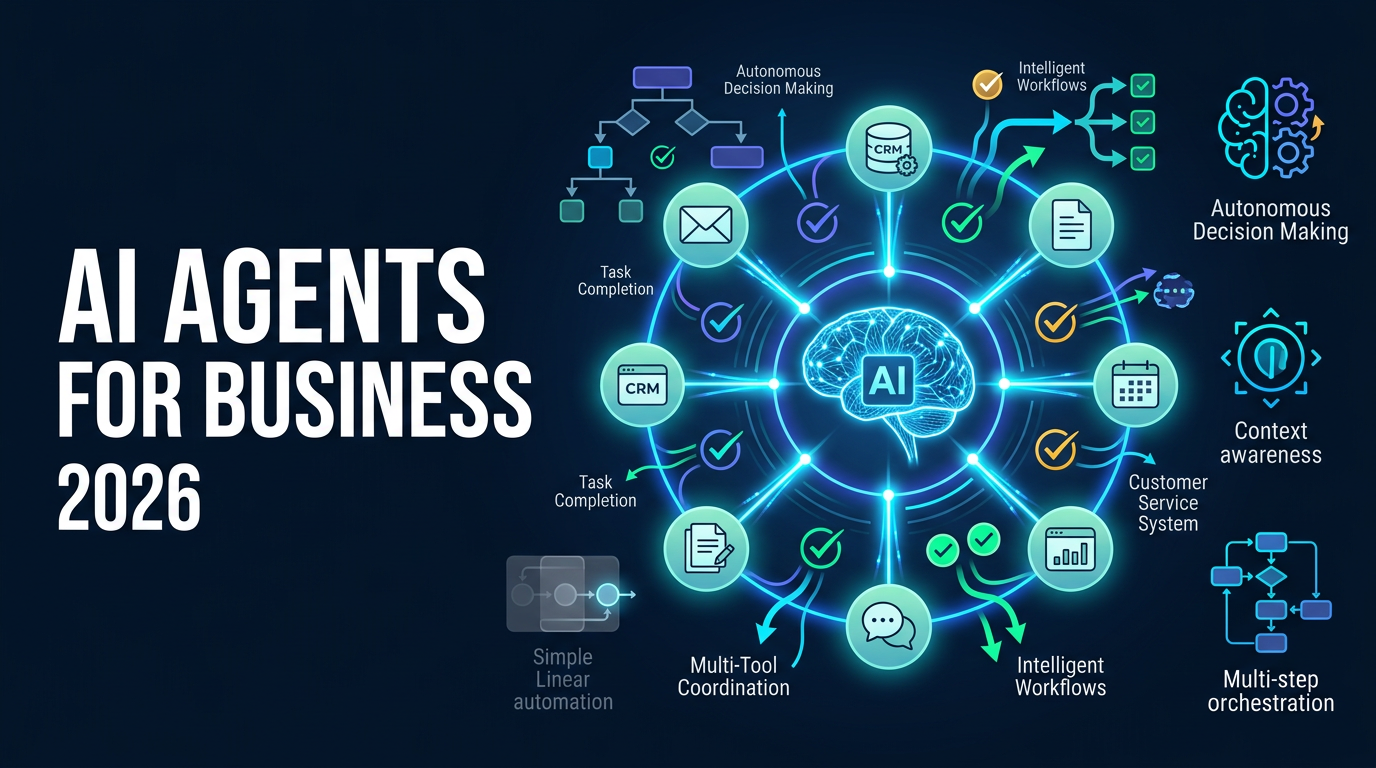
AI Agents for Business in 2026: What They Actually Do and Where to Start
AI agents for business in 2026: what they actually do, how they differ from ordinary automation, where to start, and how to avoid the common mistakes that waste money.
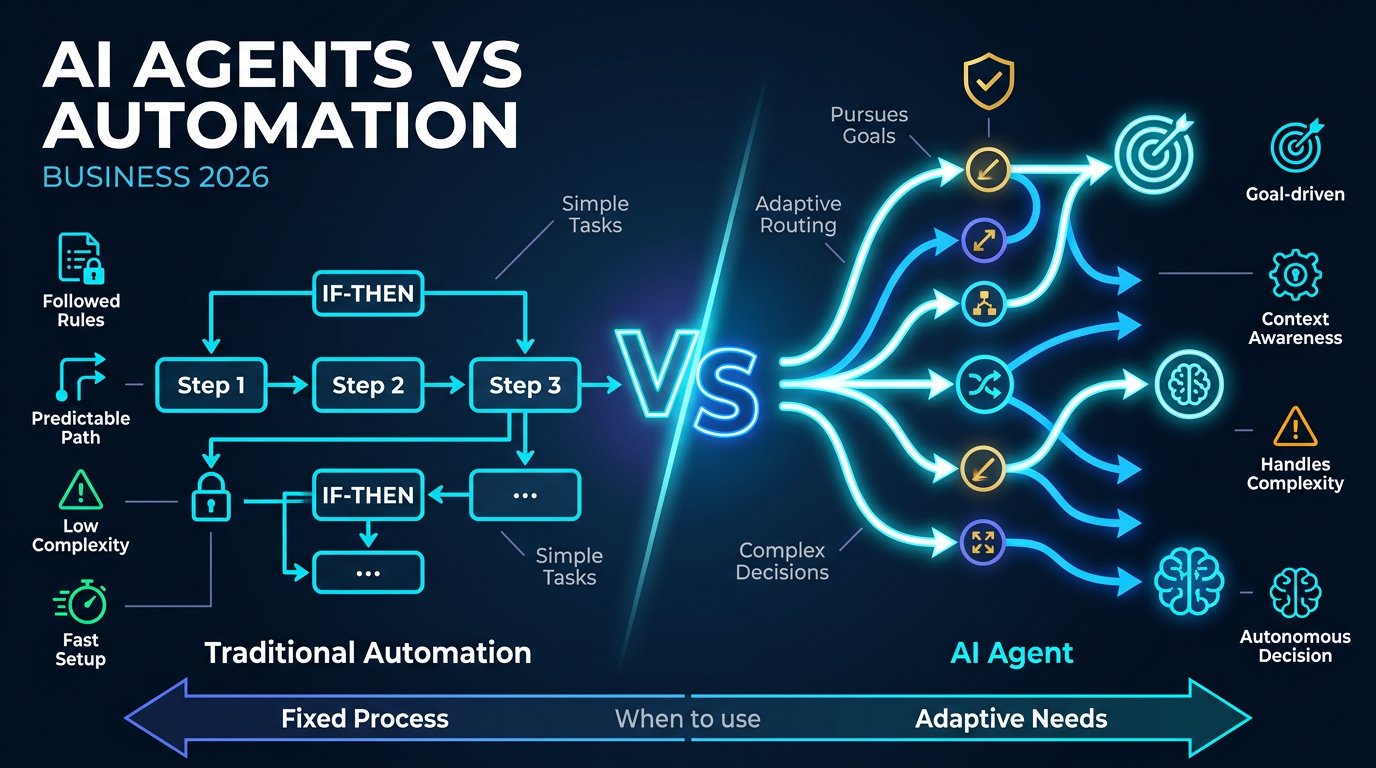
AI Agents vs. Automation in 2026: Which One Does Your Business Actually Need?
AI agents vs. automation in 2026: the real difference, when each one is the right choice, and how to avoid paying for an AI agent when simple automation would do the job.

AI Agents in Customer Service: Automate Support with n8n & AI
Customers expect round-the-clock responses. But how do you scale support without an exploding headcount? This guide shows how AI agents paired with n8n workflows are revolutionizing customer service for mid-market companies.