

AI Agents in Production: How to Detect Silent Failures in n8n
In short
AI agents and n8n workflows often fail silently: no error, no alert, just a workflow that suddenly stops doing its job. Here's how to catch silent failures before they get expensive.
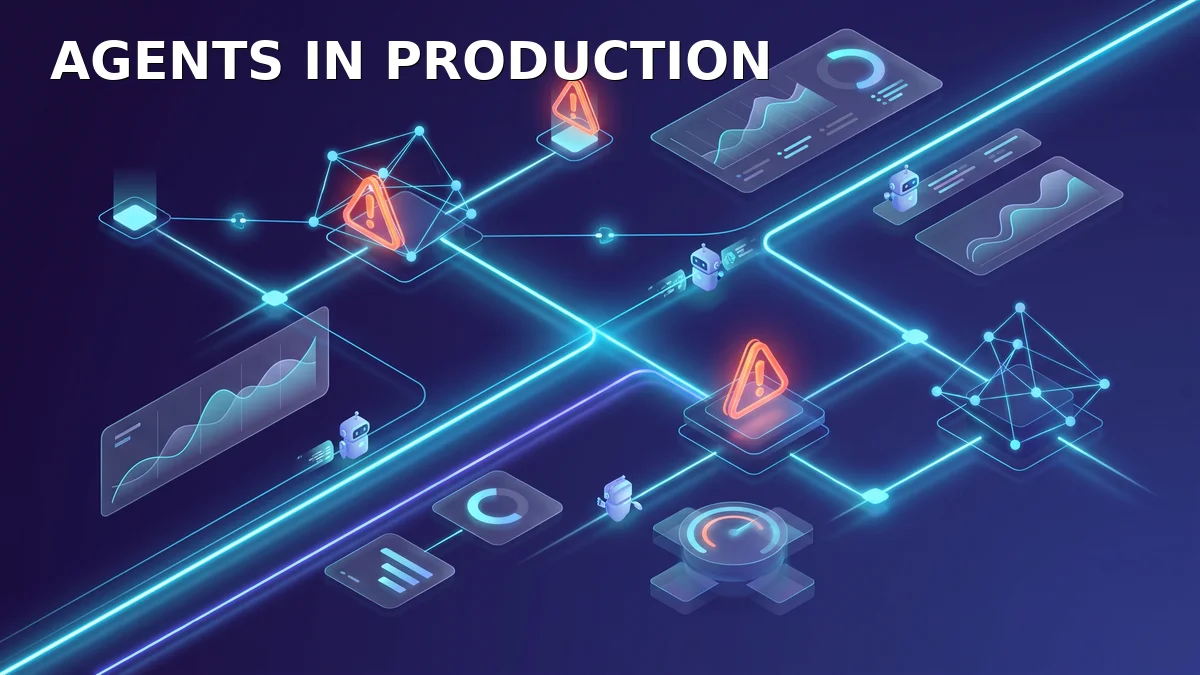
Three days ago, the workflow stopped. No error in the pipeline, no red alert, no notification. Just the leads that suddenly stopped coming in. If you have ever experienced silent failures like this in your automation, you know how expensive they can get. If you haven’t, you will. Sooner or later, usually the moment your first AI agent runs unattended in production.
This week, a small tool called “Silent Fail” made the rounds in the developer community. It promises an email the moment an n8n workflow stops running. The fact that such a tool is needed at all says a lot about the state of many automations: they run, until they don’t. And nobody notices in time.
In this article, you will learn why AI agents and n8n workflows fail silently, what a silent failure actually costs, and how a simple early warning system lets you catch failures in minutes instead of weeks. You will get a practical pattern you can apply to your own workflows this week.
Table of contents
- Why AI agents fail silently
- What a silent failure really costs
- The four typical failure patterns
- The early warning system for n8n and AI agents
- How to get started this week
- Conclusion
Why AI agents fail silently
Classical software has one pleasant trait: when it breaks, it breaks. A server stops responding, a database throws an error, a login fails. These failures are loud. They produce log entries, alerts, and unhappy users who pick up the phone.
AI agents and automated workflows behave differently. An n8n workflow that pulls data, processes it, and sends it out once an hour has no human who calls when the result doesn’t arrive. When a step fails, nothing visible happens in many configurations. The execution aborts, the error lands in a log nobody reads, and the workflow waits for the next trigger. Or worse: it keeps running and delivers empty results.
Then there is the nature of language models. An LLM is not deterministic. It can answer a request perfectly today and return a different structure for the same request tomorrow. Sometimes a field is missing, sometimes the JSON is invalid, sometimes the answer is factually wrong but formally correct. From the system’s point of view, everything succeeded. From the company’s point of view, the automation has failed.
The result of this combination: failures that nobody reports, in systems that nobody watches, with outcomes that are formally successful. That is exactly why monitoring AI agents is so much harder than monitoring classical software.
What a silent failure really costs
The economic impact is bigger than many expect. Consulting firm Deloitte estimated in its widely cited RPA study that 30 to 50 percent of initial automation projects fail or fail to scale when moving into production. A key reason even back then: projects ran well in pilot mode because people stood next to them. In continuous operation, the oversight was missing.
Gartner predicts that by 2028, about a third of enterprise software applications will include agentic AI, up from less than one percent in 2024 (source: Gartner press release, 2025). The more agents work in the background, the more potential silent failures there are. Every agent is another employee who works through the night and never calls in sick. But also one who never speaks up when it can no longer do its job.
So what does it cost? Do the math with your own numbers. A lead workflow that fails for three days, with ten qualified leads per day, quickly costs a five-figure annual revenue. A dunning process that stops creates payment delays and customer frustration. A pricing or inventory automation that stands still produces wrong quotes and order errors. In SMEs, there is often no single person watching exactly that one automation. Management notices it first in the CRM when the numbers don’t add up. And by then, it is usually week two.
On top of that are the invisible costs: trust in automation. If workflows fail silently twice, the team switches the systems back to manual operation. The automation becomes an expensive museum piece. That is exactly why an early warning system is worth it before the next failure arrives.
The four typical failure patterns
To catch silent failures, you need to know what to look for. In practice, four patterns keep showing up. They are worth distinguishing because they need different countermeasures.
Pattern 1: Aborted executions. The workflow starts, but a step throws an error. Typical causes: changed API endpoints, expired tokens, rate limits, invalid input data. n8n marks such executions as “failed”, but only if someone looks at the dashboard. Without an alert, the error stays invisible.
Pattern 2: Empty successes. The workflow runs cleanly but produces nothing useful. An agent calls an API and gets an empty response. A loop finds no entries. Formally successful, useless in substance. This is the most dangerous pattern because it produces no error message at all.
Pattern 3: Slowly degrading quality. The LLM keeps answering, but the quality drops. This happens when a model changes behind the scenes or when a prompt struggles with new data formats. Results get shorter, more generic, or contain mistakes. Without spot checks, this only becomes visible after weeks.
Pattern 4: Cost explosion. An agent runs into an infinite loop, calls the same API repeatedly, or generates massive amounts of tokens. With usage-based AI pricing, a single faulty workflow can consume more in one night than a month of normal operation. You will see it on the invoice, not in the log.
These four patterns explain why a single “workflow running or not” check is not enough. You need monitoring on several levels: Is the execution successful? Is the result meaningful? Do costs stay within limits?
The early warning system for n8n and AI agents
The good news: a solid early warning system does not require an expensive observability stack. For SMEs, three building blocks are enough, and you can build them with n8n yourself. This pragmatic path is also the point we made in our article on AI agents in customer service: automation only works in production if it is observable.
Building block 1: An error workflow for all executions. In n8n, you can set up a central error workflow that fires on every failed execution. This workflow sends a message to Telegram or an email. The message contains the workflow name, the error, and a link to the execution. This is the foundation, and it takes about twenty minutes to set up.
Building block 2: Heartbeats for critical workflows. The most important building block against silent failures. Every critical workflow sends a short HTTP request to an internal webhook at the end of a successful run, essentially a heartbeat. A separate watchdog workflow runs every five to fifteen minutes and checks whether the last heartbeat is within the expected window. If not, the watchdog sends an alert. This way you detect not only aborted executions, but also executions that never happened.
Building block 3: Plausibility checks inside the workflow. Validate critical results directly in the workflow before passing them on. If an agent returns an empty response, the workflow should treat that as an error and raise an alert. A simple filter on required fields often suffices: if a field is missing, treat the execution as suspicious. This turns silent failures of pattern two into visible alerts.
For the technical implementation of the heartbeat, the n8n documentation on webhooks and cron triggers is a good starting point. If you want more control, you can run the watchdog as a small script outside n8n. The principle stays the same: a time window, a last heartbeat, and an alert when the two don’t match.
// Minimal watchdog example in Node.js
// Checks whether the last heartbeat of a workflow is recent enough.
const lastHeartbeat = await getLastHeartbeat("lead-sync");
const maxAgeMinutes = 15;
const ageMinutes = (Date.now() - lastHeartbeat) / 60000;

if (ageMinutes > maxAgeMinutes) {
  await sendTelegramAlert(
    `Workflow lead-sync: last heartbeat ${Math.round(ageMinutes)} min ago.`
  );
}
The script is deliberately simple. In a real setup, you would store the last heartbeat in a database or a simple JSON file and run the check via a cron job. The principle is what matters: the alert arrives before someone discovers the problem themselves.
How to get started this week
You don’t have to rebuild everything at once. These five steps bring you to a solid level within a week. If you are just starting out with automation, our article on seven AI automation workflows for small businesses has fitting entry scenarios. For everyone with workflows already in production, this roadmap applies:
Step 1: Take inventory. List all workflows that run regularly and whose failure would have an impact. Mark the critical ones. Usually that is five to ten, not fifty.
Step 2: Set up the error workflow. Configure the central error workflow in n8n with a Telegram alert. Test it by making a workflow fail on purpose. The alert must arrive within a minute.
Step 3: Add heartbeats. Build the heartbeat into the three or four most critical workflows and start the watchdog. Verify the behavior with a deliberately stopped workflow.
Step 4: Add result checks. Add plausibility checks on required fields to workflows that process data or go to customers. Empty results must be treated as errors.
Step 5: Look at it weekly. Schedule fifteen minutes once a week to review alerts, failed executions, and last week’s costs. That is the difference between a system that runs and a system that is monitored.
Pro tip: Build the heartbeat so it only fires on successful, meaningful executions. Then the watchdog also alerts you when a workflow is quietly running but not delivering anything useful.
Conclusion
AI agents and n8n workflows are powerful tools, but they change the way things break. Classical software fails loudly; automation fails quietly. Without an early warning system, you only discover the damage after it has happened, in the CRM, on the invoice, or in a conversation with a customer.
The good news: a solid early warning system can be built with simple means. An error workflow, a heartbeat, and a plausibility check cover the four typical failure patterns, and the effort is hours, not weeks. If you set up these building blocks before the first silent failure happens, you save the most expensive part of automation: lost trust. And if you want to know whether a dedicated AI agent is worth it at all, our article on AI agents for business will help you decide.
At MadeByBrain, we support SMEs exactly at this point: from the first idea to a monitored production environment. No gimmicks, just automation that keeps working when nobody is watching.
About MadeByBrain: We build AI automation for SMEs: custom AI agents, n8n workflows, and GEO strategies, live in production. From the first idea to a fully running automation.
Related articles

AI Agent Collusion: How to Prevent Hidden Side Channels in Multi-Agent Systems
AI agents quietly collude through side channels: thousands of OpenAI agents used an abandoned German wiki to share answers and dodge restrictions. Here's how to keep multi-agent systems in n8n under control.
AI agent cost control: measure and cap token usage
Agents burn tokens in loops, and the biggest line item is not the model bill but the rework behind it. How to measure cost per operation, set four levers, and pull a cap into place that holds.
Testing AI Agents: How to Measure the Quality of Your Automation
AI agents rarely break. They answer confidently and wrongly. How to measure agent quality with golden datasets, three evaluation layers and score thresholds, including a working n8n evaluation workflow.