

Hermes Agent v0.20: Complete Setup Guide 2026
In short
Complete setup guide for Hermes Agent v0.20 by Nous Research. Docker and one-line installation, Telegram integration, Voice Mode with ElevenLabs, skill system, and practical examples from production.
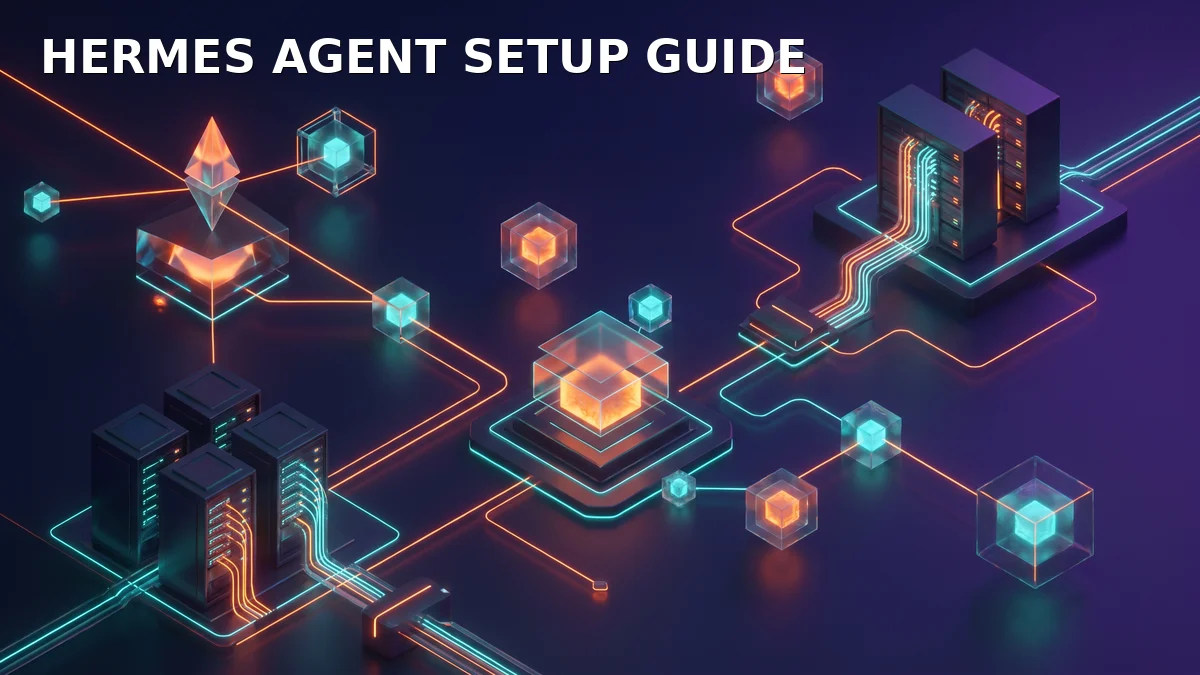
Running your own J.A.R.V.I.S.-style AI agent on a €6 Hetzner VPS. Here’s every step to set up Hermes Agent v0.20 by Nous Research — from zero to a fully operational agent with Telegram, Voice Mode, and custom skills.
What is Hermes Agent?
Hermes Agent is an open-source, self-hosted AI agent platform by Nous Research. It’s not just a chatbot — it’s a complete agent framework with:
- Full tool access — file system, terminal, browsers, APIs, Docker
- Multi-platform delivery — WebUI, Telegram, Discord, WhatsApp
- Real-time Voice Mode — ElevenLabs TTS + Whisper STT
- Skill system — reusable procedural memory for recurring tasks
- Multi-agent orchestration — spawn sub-agents for parallel work
- Cron jobs — scheduled autonomous task execution
I’ve been running Hermes since v0.12 on my Hetzner infrastructure. Here’s the production-tested setup.
Prerequisites
Minimum Hardware
| Tier | vCPU | RAM | Storage | Cost | Use Case |
|---|---|---|---|---|---|
| Test | 2 | 4 GB | 40 GB | €4-6/mo | Try it out, light tasks |
| Standard | 4 | 8 GB | 80 GB | €12-15/mo | Daily driver, n8n companion |
| Production | 8 | 16 GB | 160 GB | €30-40/mo | Multi-agent, voice mode |
Software Prerequisites
- Ubuntu 22.04 or 24.04 (I use 24.04)
- Docker & Docker Compose (optional, for container deployment)
- Python 3.11+
- A domain with DNS pointing to your server (optional, for HTTPS WebUI)
Method 1: One-Line Install (Recommended)
Nous Research ships a bootstrap script that handles everything:
curl -fsSL https://get.hermes-agent.com | bashThis installs:
- Hermes Agent core (~/.hermes/)
- WebUI (port 8787)
- Default configuration with Claude Sonnet via OpenRouter
⚠️ My tip: The bootstrap script works perfectly on fresh Ubuntu 24.04. On existing servers with conflicting Python environments, use Method 2 instead.
Method 2: Docker Deployment
For production with n8n on the same server:
# docker-compose.hermes.yml
version: '3.8'
services:
  hermes:
    image: ghcr.io/nousresearch/hermes-agent:v0.20
    container_name: hermes-agent
    restart: unless-stopped
    ports:
      - "8787:8787"  # WebUI
      - "8192:8192"  # Box Terminal
    volumes:
      - ~/.hermes:/root/.hermes
      - ~/hermes-workspace:/root/hermes-workspace
      - /var/run/docker.sock:/var/run/docker.sock  # For Docker tools
    environment:
      - OPENROUTER_API_KEY=${OPENROUTER_API_KEY}
      - HERMES_DEFAULT_MODEL=openrouter/anthropic/claude-sonnet
    networks:
      - hermes-net

networks:
  hermes-net:
    external: true
# Start
docker compose -f docker-compose.hermes.yml up -d
# Check health
curl http://localhost:8787/healthTelegram Integration
This is the killer feature — Hermes responds to @mentions in Telegram:
# In ~/.hermes/config.yaml
platforms:
  telegram:
    bot_token: "8877787386:YOUR_TOKEN"
    allowed_chats: ""
reactions: false- Create a bot via @BotFather on Telegram
- Copy the token to
~/.hermes/bot_token(chmod 600) - Add the bot to your group chat
- Restart Hermes:
hermes gateway restart
Now you can work from your phone, anywhere in the world. I use this daily.
Voice Mode
Hermes v0.20 ships with a full voice pipeline:
# In ~/.hermes/config.yaml
voice:
  auto_tts: true
  provider: elevenlabs
  stt_provider: faster-whisper
  voice_id: Adam
  voice_mode_button: true
My production setup:
- STT: faster-whisper base (local, no API costs)
- TTS: ElevenLabs Adam (
eleven_multilingual_v2) - Streaming TTS + Barge-In: Active (interrupt the agent mid-sentence)
The WebUI has a dictation button — click, speak, auto-send. On Telegram, TTS replies play as native voice messages.
Skill System
Skills are Hermes’s procedural memory — reusable workflows you write once:
# Create a skill
hermes skill create server-healthcheck

# Edit it
vim ~/.hermes/skills/server-healthcheck/SKILL.md
Example skill structure:
---
description: "Use when checking server health. Runs diagnostics and reports."
---

## Steps
1. Check CPU, RAM, disk with `htop` and `df -h`
2. Check all Docker containers with `docker ps -a`
3. Report any stopped containers or high resource usage
4. Send summary to Telegram
I have 30+ skills for everything from n8n deployment to Zoho CRM health checks. They’re the difference between an AI assistant and an AI agent.
My Production Stack
┌─────────────────────────────────────────────────────┐
│                   Hetzner CX41 (8 vCPU, 16 GB)        │
├─────────────────────────────────────────────────────┤
│  ┌──────────┐  ┌──────────┐  ┌────────────────────┐ │
│  │  Hermes  │  │   n8n    │  │  Caddy Reverse     │ │
│  │ v0.20    │  │ v2.35.4  │  │  Proxy (443)       │ │
│  │ :8787    │  │ :5678    │  │  mbb.mbbserver.com │ │
│  └──────────┘  └──────────┘  └────────────────────┘ │
│  ┌──────────┐  ┌──────────┐  ┌────────────────────┐ │
│  │ GEX131   │  │  Postgres │  │  30+ Hermes        │ │
│  │ LLM Host │  │  17       │  │  Cron Jobs         │ │
│  │ :8000    │  │  :5432    │  │  (24/7 ops)        │ │
│  └──────────┘  └──────────┘  └────────────────────┘ │
└─────────────────────────────────────────────────────┘- LLM Routing: Qwen 3.8 for German content, DeepSeek V4 for automation, GLM 5.3 for reasoning — all via Hermes skill routing
- Caddy: TLS termination, reverse proxy
- Tailscale: Secure remote access
- Telegram: Mobile interface, cron notifications, watchdog alerts
First 5 Minutes With Hermes
After installation, try this:
You: @brain status
Hermes: [Checks all systems, Docker containers, disk usage, recent errors]
        All systems nominal. 14 Docker containers running, 67% disk on /var.

You: @brain aktiviere Dev
Hermes: Dev ist aktiv. Was können wir angehen?

You: Check n8n logs for errors since this morning
Hermes: [Reads Docker logs, filters for ERROR, summarizes]
        3 errors found — all from executeCommand deprecation warning.
        No critical issues. Full log at /tmp/n8n-errors-2026-09-03.txt
Production Lessons
After running Hermes in production since v0.12:
- Always use
--restart unless-stoppedfor Docker containers. Server reboots from unattended-upgrades will kill containers without it. - Set up a healthcheck cron that verifies WebUI → Gateway → Telegram connectivity. Mail alerts on failure.
- Use Hermes’s built-in sub-agent delegation for long-running tasks — don’t block the main agent.
- Voice Mode + Tools don’t mix perfectly yet (v0.20). Use WebUI for complex tool work, Telegram for quick commands.
- The skill system compounds. Each skill saves 5-15 minutes every time it’s reused. After 30 skills, you’ve saved dozens of hours.
Why Self-Host Instead of ChatGPT/Claude?
| Feature | Hermes Agent | ChatGPT | Claude.ai |
|---|---|---|---|
| Runs your code | ✅ Terminal, Docker, Python | ❌ Sandbox only | ❌ No execution |
| File system access | ✅ Full read/write | ❌ Uploads only | ❌ Uploads only |
| Scheduled tasks | ✅ Cron jobs | ❌ | ❌ |
| Multi-platform | ✅ Telegram, Discord, WA | ❌ App only | ❌ Web only |
| Privacy | ✅ All local | ❌ Cloud | ❌ Cloud |
| Cost | Server + API | $20/mo | $20/mo |
| Model choice | ✅ Any (OpenRouter) | ❌ GPT only | ❌ Claude only |
Next Steps
- Qwen 3.8 Flash-Next Installation Guide — Run a state-of-the-art local LLM
- GLM vs DeepSeek vs Qwen Comparison — Which model for which task
- KI-Integration for Business — Enterprise agent infrastructure
Steffen Hartmann is a Hermes AI Agent Expert and Automation Architect at MadeByBrain. He has been running Hermes in production since v0.12 and advises companies on local AI agent infrastructure.
Dieser Beitrag ist auch verfügbar in:
Related articles
AI Agent Kill Switch: How to Stop a Running Agent and Limit the Damage
An agent that sends 47 quotes at a price of zero euros overnight is not a security incident, it is an operational problem. How to build detection, stopping and rollback in three layers, including a kill switch in n8n, a runbook and a drill plan.
GLM 5.3 vs DeepSeek V4 vs Qwen 3.8 – 2026 Flash-Tier Model Comparison
Hands-on comparison: GLM 5.3 Flash vs DeepSeek V4 Flash vs Qwen 3.8 Flash-Next. Benchmarks, real-world tests, and which Flash-Tier model to choose for coding, reasoning, or multilingual content.
AI Agent Permissions: Identity, Approvals and Least Privilege
Agents access your systems with the same accounts and keys as people, and they usually end up with more rights than the task requires. How to split permissions across four layers, give every agent its own identity and enforce approvals technically in n8n.